
Creating LLM Knowledgebases
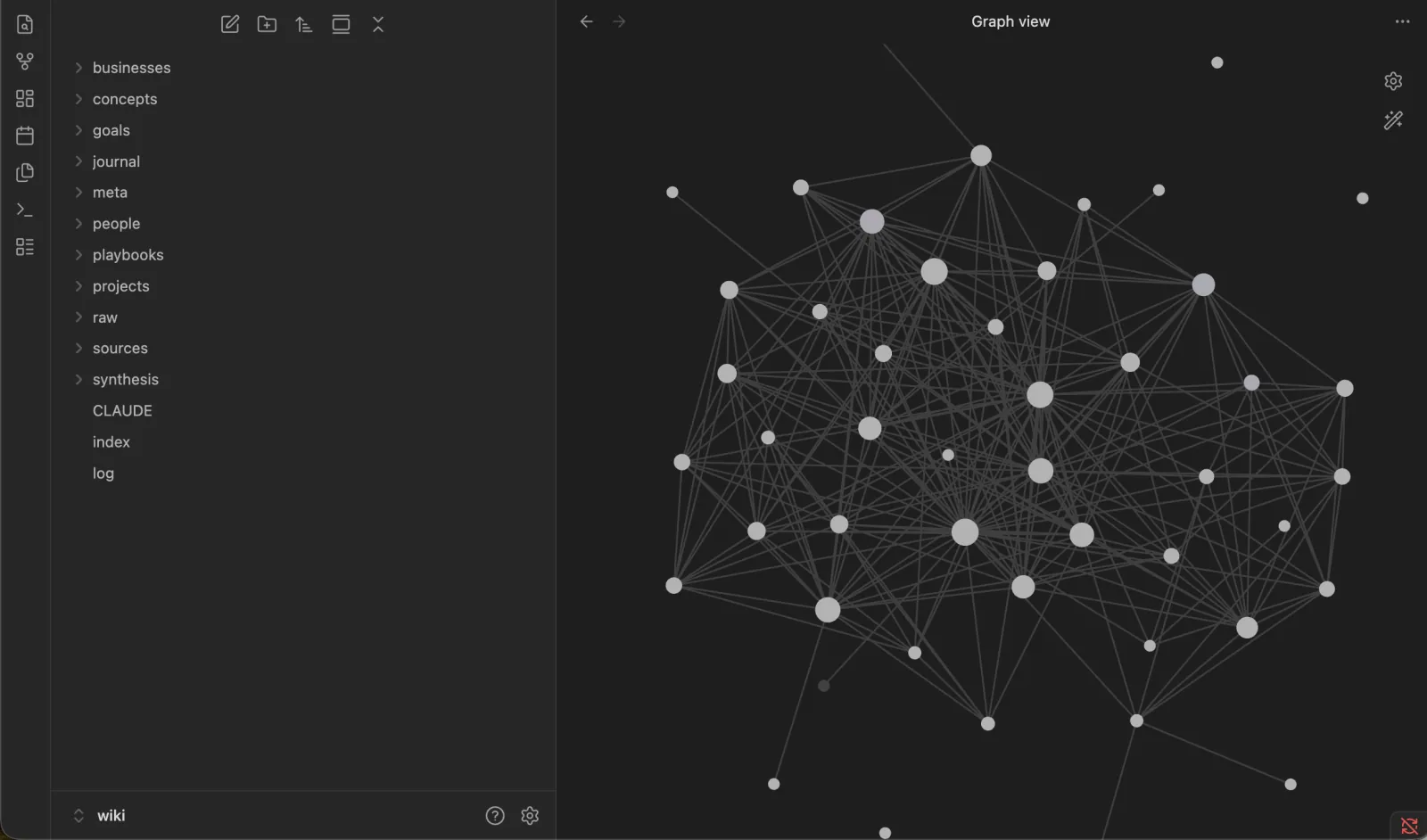
One of my wikis in Obsidian: What you will be able to see once your system is set up
What is an LLM Wiki?
An LLM wiki, simply put, is a flexible method of adding Memory to your projects. LLM products (ChatGPT, Claude, etc.) already store all your past conversations, but it’s a very fuzzy jumble of every chat you’ve ever had (from questions to ask your boss during your 1:1, to kitchen recipes using those close-to-expiring tomatoes). You don’t truly control the memory these products have on you.
We can do better than this. Ideally, every single serious project you work on should have a dedicated knowledge base, with memory YOU control. Once you feel that control, I promise you will never go back.
Step 0: What you will need
- Claude Code: (which can be used in the desktop app or terminal, once you are on at least the Claude Pro Plan)
- Obsidian: A free note-taking app that’s great for reading markdown (the standard format for LLMs)
- A project to work on: Ex. Your Career. But you can choose any deep topic that might need a knowledge base, such as business ideas, investment strategies, etc.
Step 1: Create a Project Folder
Through Obsidian, you can hit “Create new vault”. Or, just create a folder on your computer and hit “Open folder as vault”.
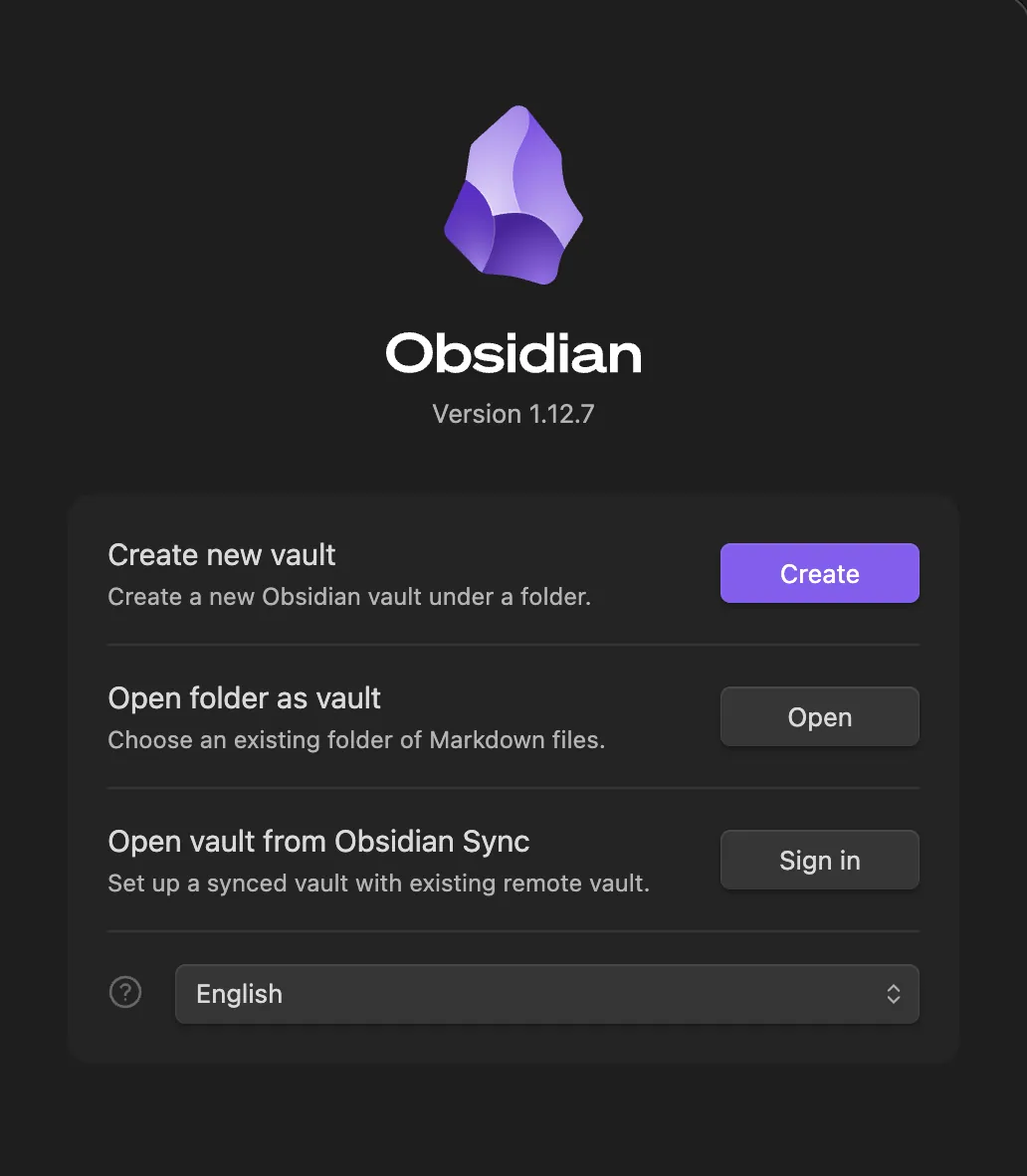
Obsidian landing screen.
Step 2: Set Up the Structure
You will now add 2 files, which will act as the “structure” for your knowledge base:
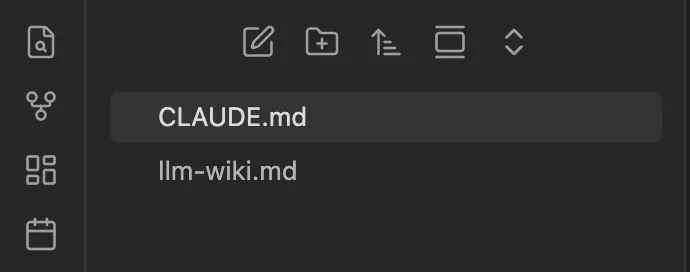
Your folder in Obsidian after adding the two files
File 1: CLAUDE.md
This is a special file, which Claude will read before every single message you give it. Think of it as the master rules you want to enforce for this project. Sample content to paste into it:
This wiki is a structured, interlinked knowledge base about the career and growth of [YOUR NAME HERE]
It is maintained by Claude Code, guided by the LLM Wiki pattern in "llm-wiki.md".
File 2: llm-wiki.md
This file defines the shape of the wiki: how pages get created, named, and linked to each other. Copy everything from Karpathy’s llm-wiki.md spec into it.
Step 3: Create the Wiki
Start Claude Code, and prompt the following. Claude will start asking you questions, and helpfully guide you through the setup.
Please help me set up this wiki.
You can start dropping in documents like your resume into the chat. (I personally wrote a long essay about my entire childhood, interests I’ve had, and projects I’ve done. The LLM indexed it all and found super interesting patterns that helped it understand who I am). The beauty of this system is that you DON’T edit any of the files yourself. All of the creating, writing, and connecting of the documents will be done by the system. Your only job is to read the files, and talk to Claude to change/add the content:
Step 4: Use the Wiki
You can now start conversations by connecting your Claude Code to this folder, and everything Claude writes in the wiki will live across conversations! All responses will take into account the currently documented data, as well as make any necessary updates. Common questions I like to ask:
- What do I have to do for today?
- Can you suggest improvements for X?
- I want to set up a new goal to do Y, help me plan it out
- Help me prune the wiki, and iron out any discrepancies.
BONUS STEP: Set Up the /grill-me skill
I personally don’t like Claude’s default “yes man” attitude, and like it to be very critical with me when I am testing out new ideas. Hence, I borrowed Matt Pocock’s /grill-me skill, and adapted it slightly for use in the wiki. Paste this into Claude:
Please create a /grill-me skill, with the following content:
Interview me relentlessly about this proposed wiki change until we reach a shared understanding.
Walk down each branch of the decision tree (where the knowledge should live, how it connects to what already exists, and what it changes downstream), resolving dependencies between decisions one-by-one. For each question, provide your recommended answer.
Ask the questions one at a time, waiting for my feedback on each before continuing. Asking multiple questions at once is bewildering.
Do not enact the change (no page writes, no index/log updates, no commit) until I confirm we have reached a shared understanding.
Now whenever you want a super critical Claude, you can invoke the skill by typing “/grill-me”. Happy grilling!
My goal is to accomplish X in one month. Help me figure out a plan on how to do this /grill-me